
Software
Animated Shorts Kit
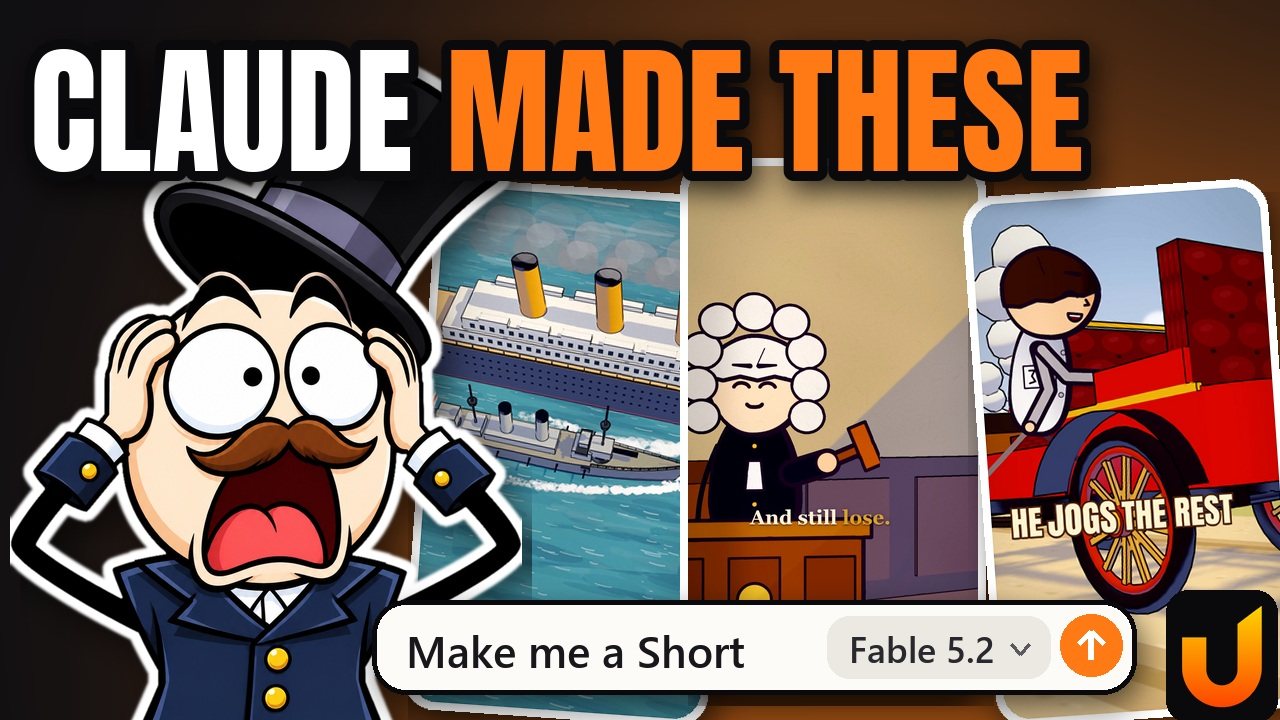
From this video: How to make animated Shorts with Claude
The whole method from the video, in one zip, for making animated Shorts on your computer with Claude. You can make every Short with it. Nothing is locked.
This is everything from the video. You can stop here.
Seriously, you don't need the paid one. Same Shorts, same result. The paid one is for lazy people. We say that with love, because we're lazy too.
Free, and no email needed to download. You do the setup. It's fine, it asks nicely.
This needs a computer. On a phone? Email yourself the link for later.
Your download has started. That's everything you need. Curious what Animated Shorts Kit + The Real Shorts adds anyway? It's all side by side.
Compare the two- No email and no card needed
- Zip, 3.5 MB
What you get
- 11 skills, each doing one job: hooks, script, voice, build, sound, review and more
- 3 helpers: a fact checker, a bored-stranger reader and a picture reviewer
- One workflow that can run many agents and make several Shorts at once
- 10 playbooks of what we learned the hard way
- The animation engine, built on three.js and Remotion, with a tested pose library
- Ready-made caption styles
- An automatic bug checker for your frames
- A short example Short: a working test, not a polished video
- Guided setup, once: it checks your computer, sets up your voice and walks you through the free sound pack
- 671 free models by Kenney
What each one has
| Question | Animated Shorts Kit | Animated Shorts Kit + The Real Shorts |
|---|---|---|
| Can I make a Short with it? | Yes | Yes |
| Skills that do the work | 11 skills | 15 skills, including the extra pro ones |
| A finished Short to learn from | A short working test | 9 of our real published Shorts, full source |
| The scripts with named sources, shot plans and word timings behind them | No | Yes |
| Videos to study frame by frame | No | 9 picture-only copies |
| Review sheets and prop views | No | 102 of them |
| Bug museum: broken frames next to the fix | No | Yes |
| Who labels the sounds? | The kit labels the free pack you download | The same, plus 365 ready labelled sounds |
| Sound recipes: which sound, how loud, on which word | No | Yes |
| Checks that the voice is in the final file and the captions are on the words | You watch it yourself | Yes |
| Your retention drops mapped to the script line | No | Yes |
| Side-by-side compare with a good reference | No | Yes |
| Scored hook ideas and our real dated results, flops included | No | Yes |
| Do I need to give an email? | No | Yes, checkout needs one for the receipt |
How it runs
- Lean mode is the default: about 1 hour per Short on our computer.
- Autopilot mode is there if you want it to run on its own, and the workflow can make 3 Shorts at once.
- Setup offers free music and sound models that run on your own computer (about 13 GB, needs a good graphics card).
The catch
- It needs a computer and a paid Claude plan. The zip does not work on a phone.
- Tested on Windows. Not tested on a Mac yet.
- The free Sonniss sound pack is 7.47 GB and you download it yourself. Its licence does not let us include it.
- Kokoro is free but has preset voices only, and we have not used it on a real Short yet.
- Remotion is free for individuals and for companies of up to 3 people. Bigger teams buy a licence from Remotion.
- The example Short is a 12-second working test, not a polished video.
What is in the zip
- START-HERE.md: the first message to paste into Claude
- engine: the animation engine, the pose library, caption styles and the free 3D models
- .claude: the skills and the three helpers
- playbooks: what we learned, written down
- tools: the helper scripts, including the bug checker
- workflows: one script that runs a Short from start to finish
- my-channel: your own brand, ideas and rules
After you download
- Unzip it and open START-HERE.md.
- Open the folder in the Claude desktop app and send the message from that file.
- It first tells you in plain words what runs on your computer by itself.
- Setup then checks what is missing and tells you before it installs anything.
Connect your voice
To let Claude use your ElevenLabs voice, add ElevenLabs as a connector in the Claude desktop app with this address: https://api.elevenlabs.io/v1/mcp. It is a connector address, not a web page.
Credits
- The engine started from Mr omi's free project (MIT).
- 3D models by Kenney (kenney.nl), CC0.
- The optional Stable Audio sound models are Powered by Stability AI, under the Stability AI Community License.
What it does not include
- Sonniss sounds are not included. Their free pack is a separate download under its own licence, and the kit labels it for you.
- No voice and no music inside.
What you need
- A computer with a working graphics card: Windows 10 or later, or macOS 13 or later.
- The Claude desktop app and a paid Claude plan (Pro or above). Neither is included. Web chat does not work.
- Node, Python, ffmpeg and Chrome. The setup step checks for them and installs what is missing, one step at a time.
- Voice: an ElevenLabs plan (Starter or above to clone your own voice), or the free Kokoro voice with preset voices only.
This product uses Remotion, which has its own licence. Remotion is free for individuals and for companies of up to 3 people. Larger companies must buy a licence at remotion.pro/license. We do not sell or include Remotion. You install it yourself.
Details
- Device
- Needs a computer
- Tested on
- Windows
- Not tested, may work on
- macOS
- File
- Zip, 3.5 MB
- Version
- 1.0.1, 10 November 2026
Updates are free. The download always gives you the newest version.
Licence and credits
Free to use and change for your own channel. Third-party parts keep their own licences, listed in credits-and-licences.md. Nothing here limits those.
- 3D props: Kenney (kenney.nl), CC0
- Fonts: Anton and Poppins, SIL Open Font License
- Engine started from Mr omi's open-source project (MIT)
Not made by, affiliated with, or endorsed by Anthropic. Claude is a trademark of Anthropic, PBC.